A little less guesswork. A lot more riding.
Get set for
the ride ahead.
Weather changes. Your kit should keep up.
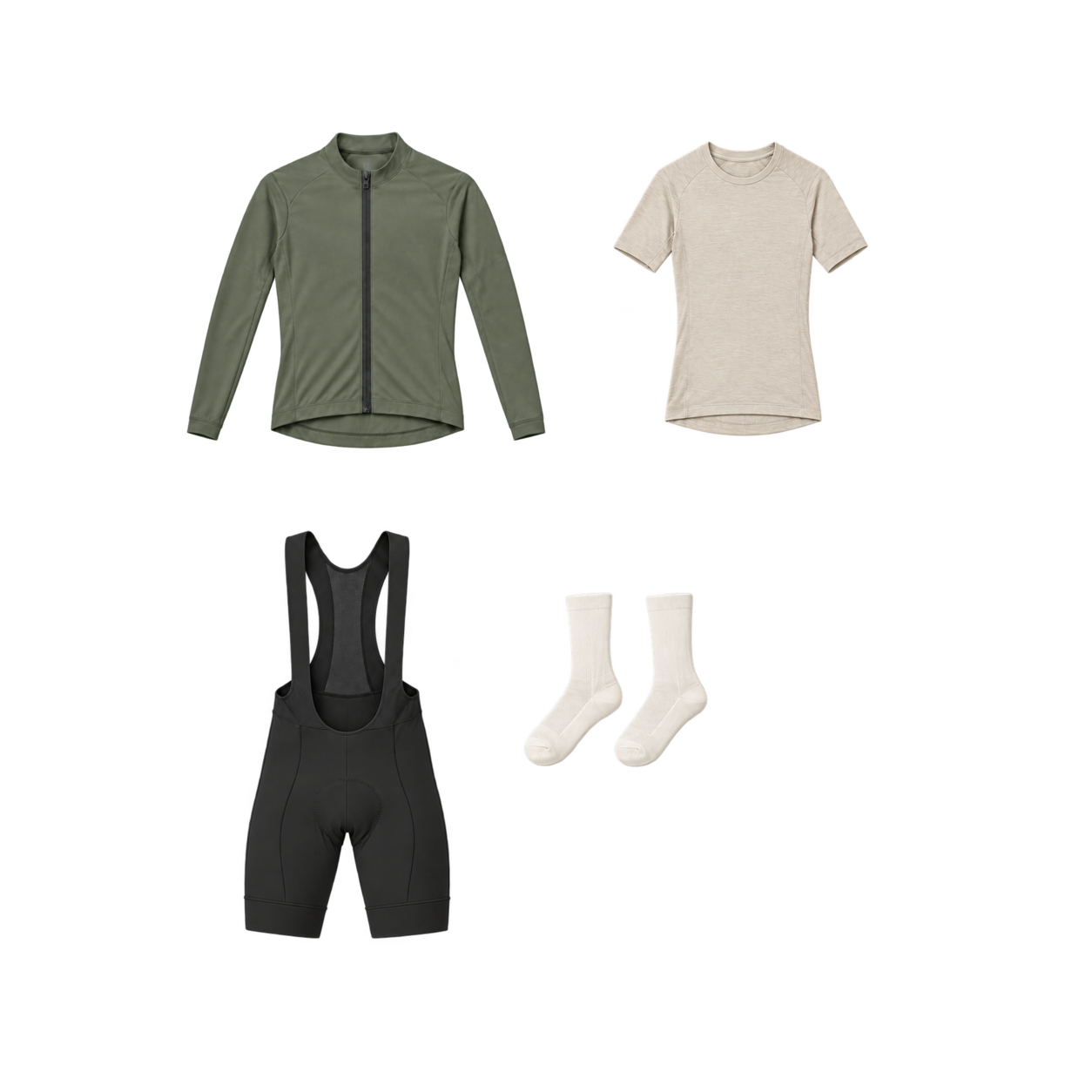
Tell Velosetgo where you’re riding, when you’re setting off and how long you’ll be out. We’ll pair those details with the local forecast to show you what to wear and what to carry.
Keep Velosetgo on your phone
For quick access before a ride, add the app to your home screen after signing in.
iPhone — Safari
- Open this page in Safari, tap Try Velosetgo and complete email sign-in.
- When the app’s Plan New Ride page is open, choose Share (it may be inside Safari’s menu), then Add to Home Screen.
- If shown, switch on Open as Web App, then tap Add. Open Velosetgo from its new icon.
Android — Chrome
- Open this page in Chrome, tap Try Velosetgo and complete email sign-in.
- From the app’s Plan New Ride page, open Chrome’s three-dot menu. Choose Install and create shortcut, then Install. Some versions show Install app or Add to Home screen.
- Confirm the installation, then open Velosetgo from its new icon.
Add the app page, not this introduction page. If the home-screen app asks you to sign in again, use the same email address to return to your account.
Join our beta trial. Try it on your rides and tell us how the clothing advice felt.
Velosetgo is still being tested and improved. Use your judgement alongside the guidance. If the trial is full, the app will let you know. Existing riders can still sign in.
Hawes, Yorkshire Dales
9am ride 2 hours